How to login in to Admin Area and review the existing training modules
step: 1
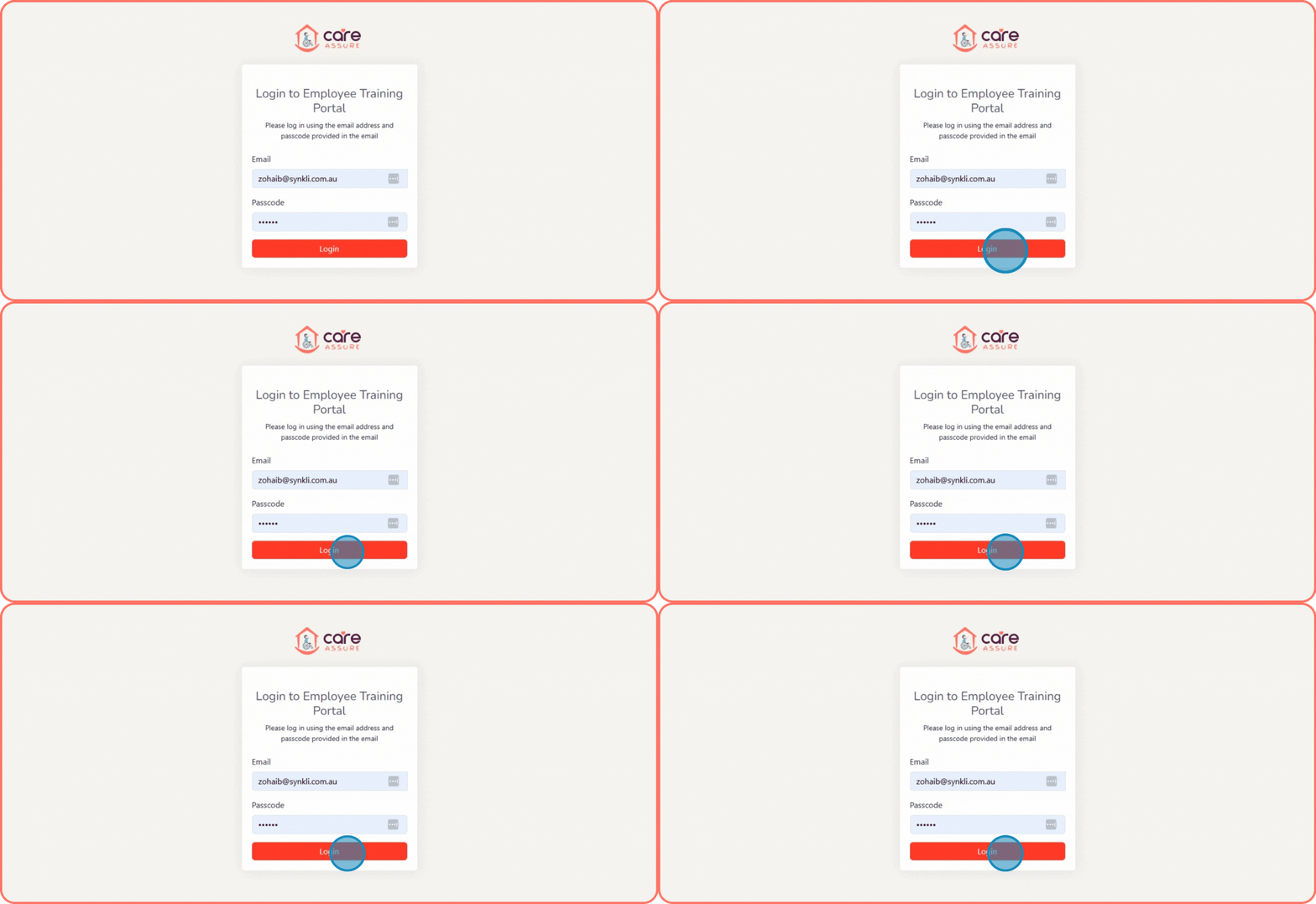
Navigate to https://forms.careassure.com.au/employee-portal/login.php
Enter Your Credentials- In the Email field, type your registered email address.

- In the Passcode field, type your password.
Access Your Account
- Click the Login button.
- You will now be directed to your Employee Training Portal dashboard.
step: 2
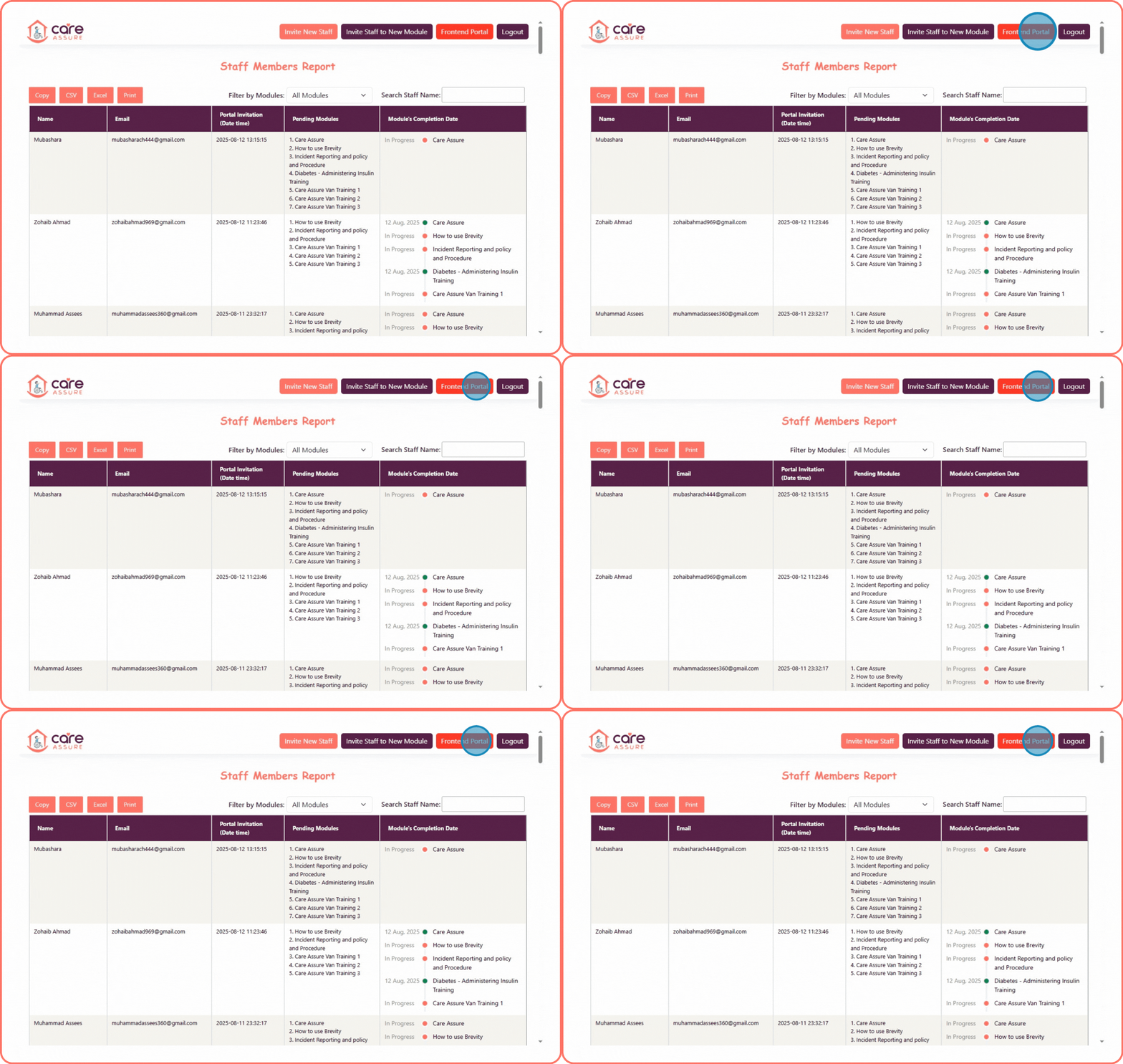
Once you log in, you will land on the Staff Members Report page.
On this page, you can:
- View staff names, emails, and training progress.
- Check pending modules and completion dates.
- Export reports using the available buttons (Copy, CSV, Excel, Print).
To continue, click on the Frontend Portal button located at the top-right corner of the page
- Click the Login button.
- You will now be directed to your Employee Training Portal dashboard.
step: 3
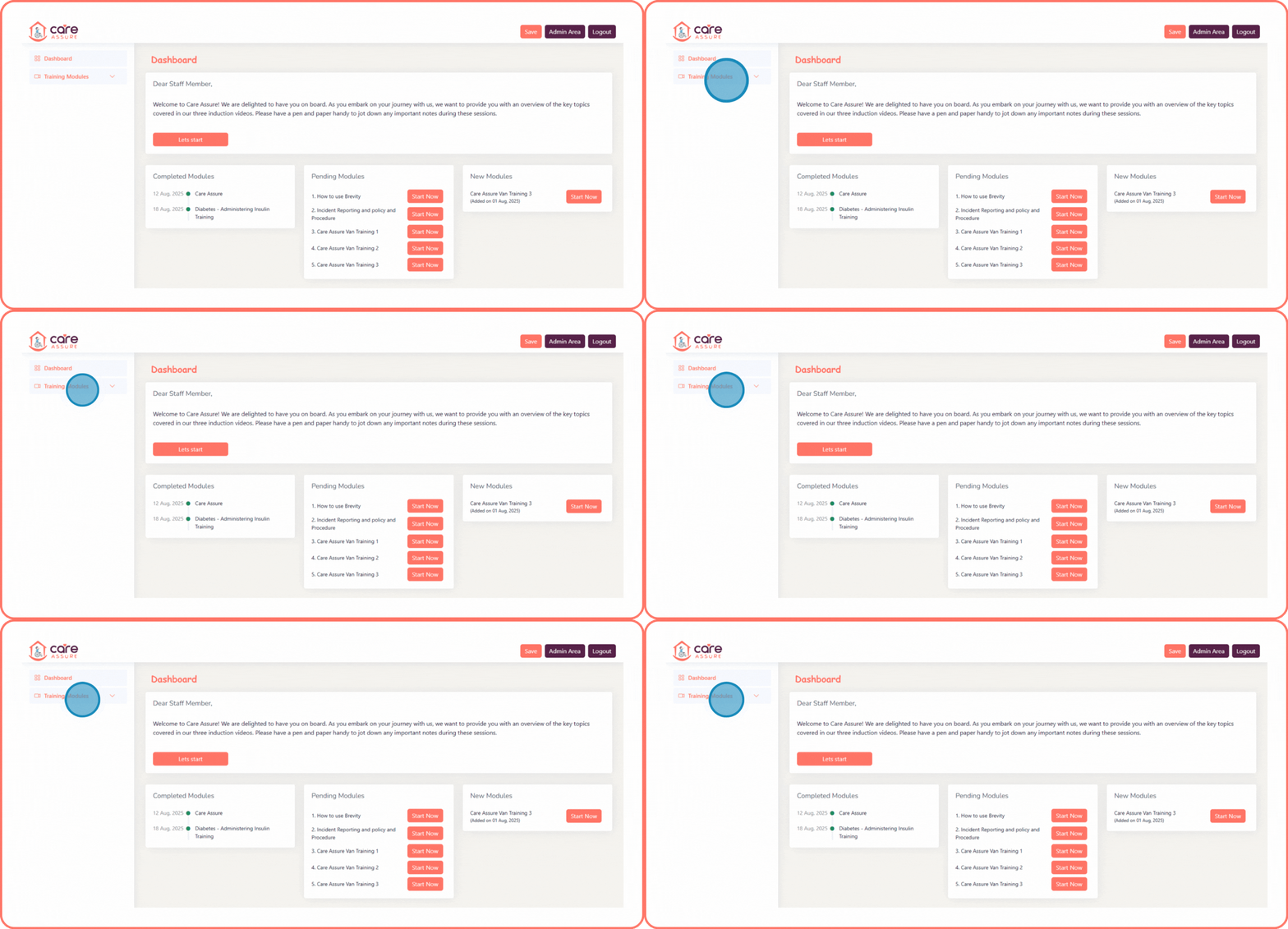
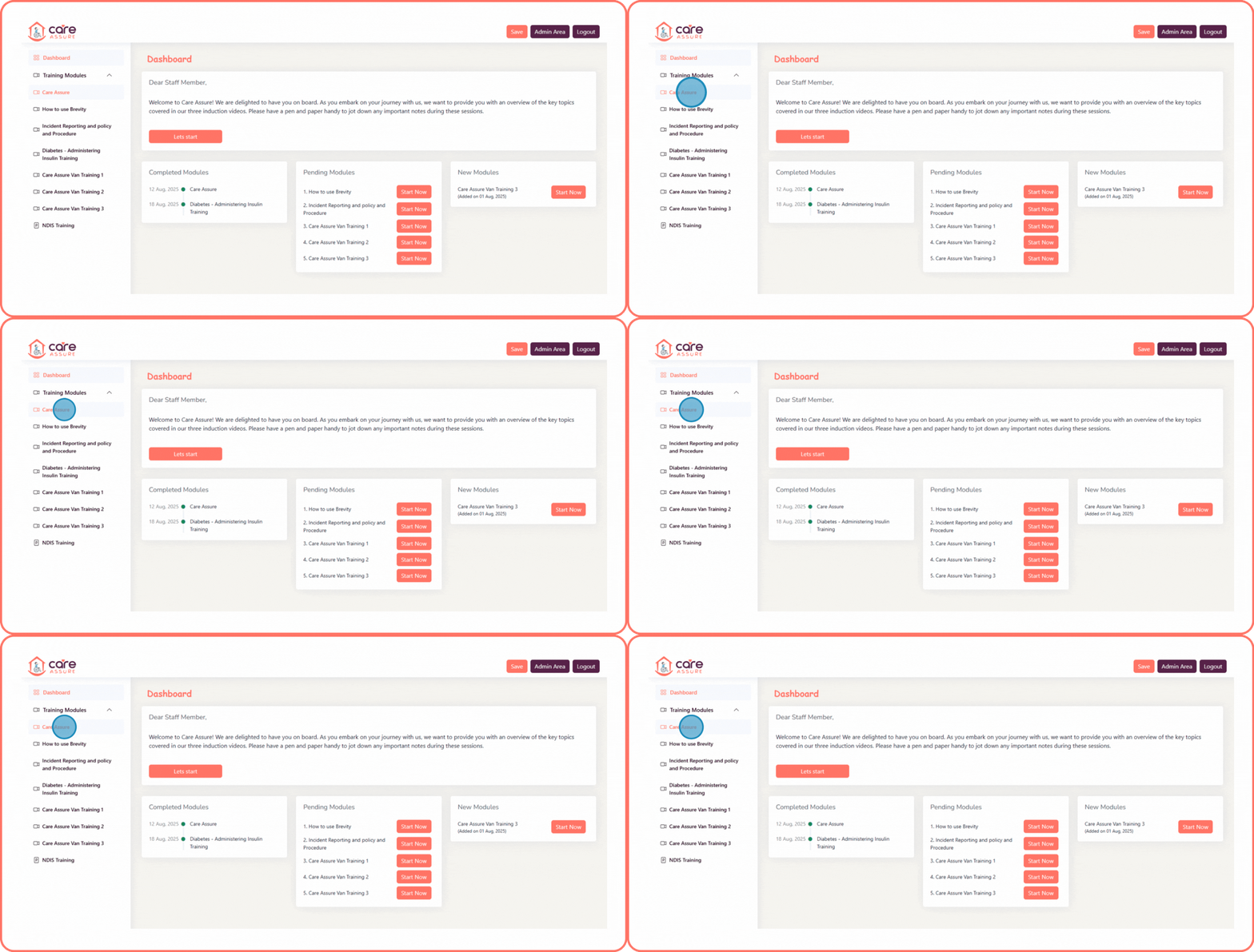
From the top navigation bar of the Admin portal, locate the dropdown labeled "Training Modules."
- Click the dropdown to expand the list.
- A menu of available training modules will appear.
- Select the module you want to review.
step: 4
After opening the Training Modules dropdown, you will see a list of available modules.
- Browse through the list of modules.
- Click on the module name you want to review (for example, Care Assure).
- The selected module will open for you to start or continue training.
step: 5
After opening the selected module:
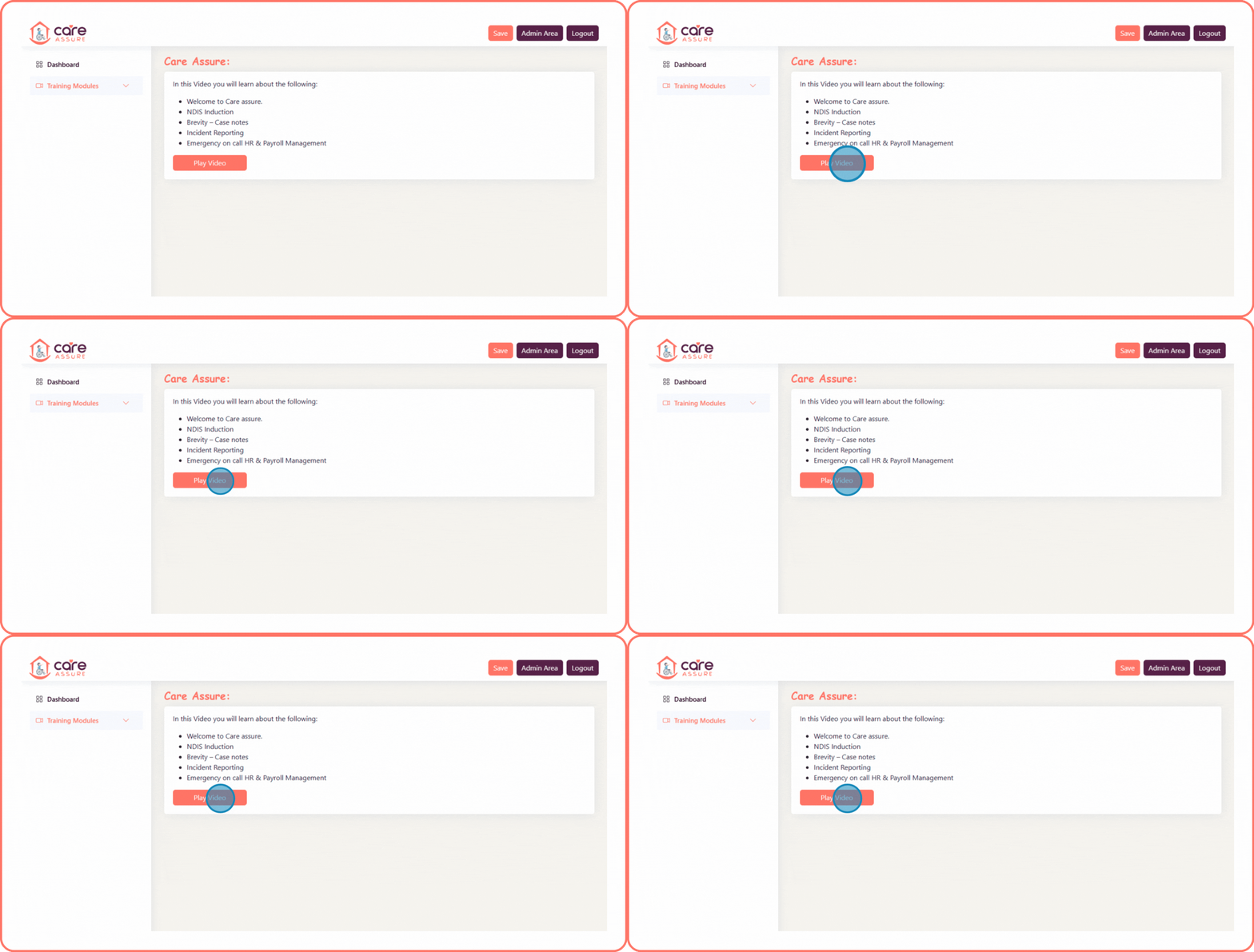
- Click the Play Video button to start the training.
- Follow along with the video to complete the module.
- You can repeat these steps to watch any of the other training modules as well.