How to invite the staff members for a specific training
step: 1
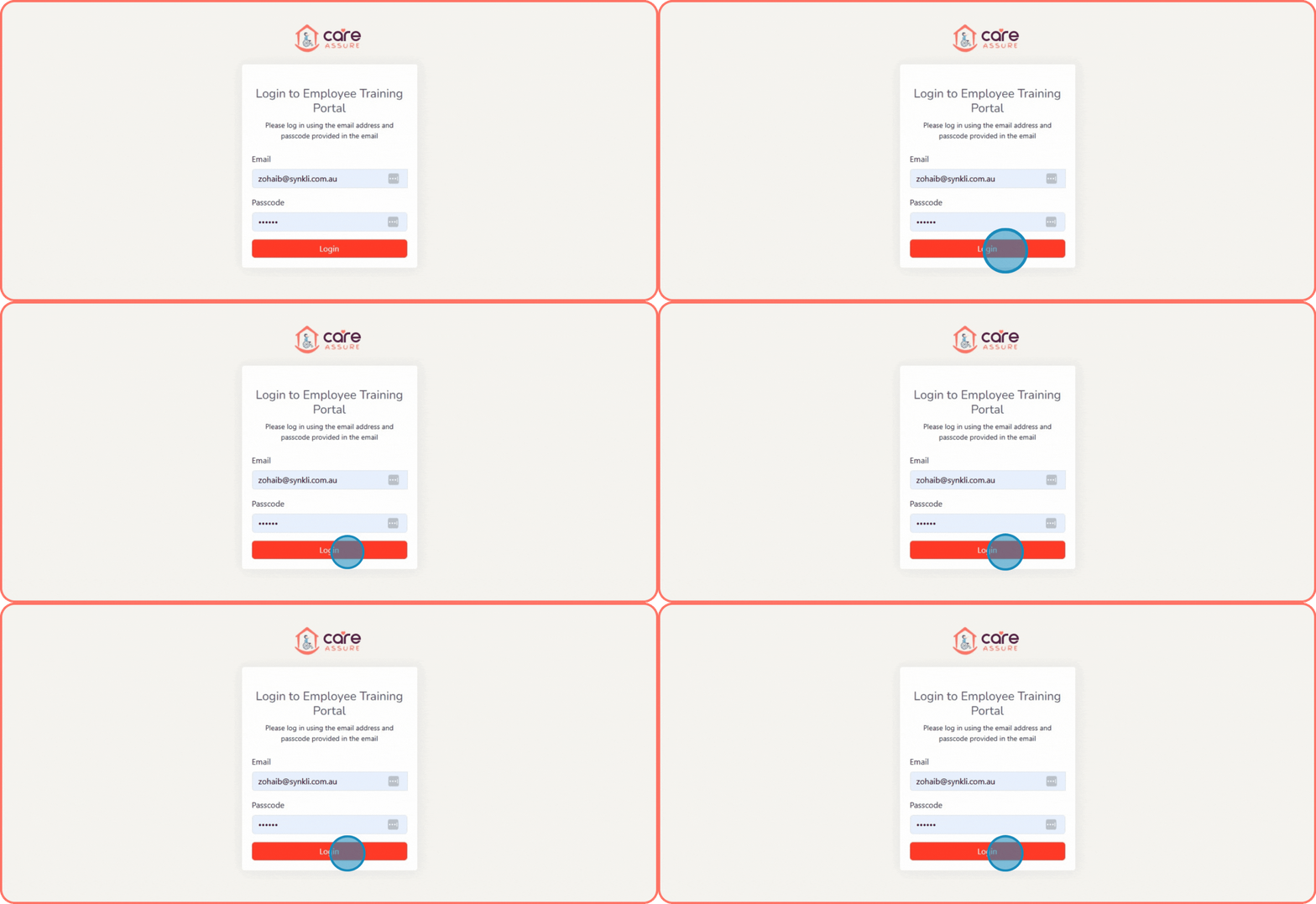
Navigate to https://forms.careassure.com.au/employee-portal/login.php
Enter your admin Email
Enter your Password.
Click the Login button to access the Admin dashboard.
step: 2
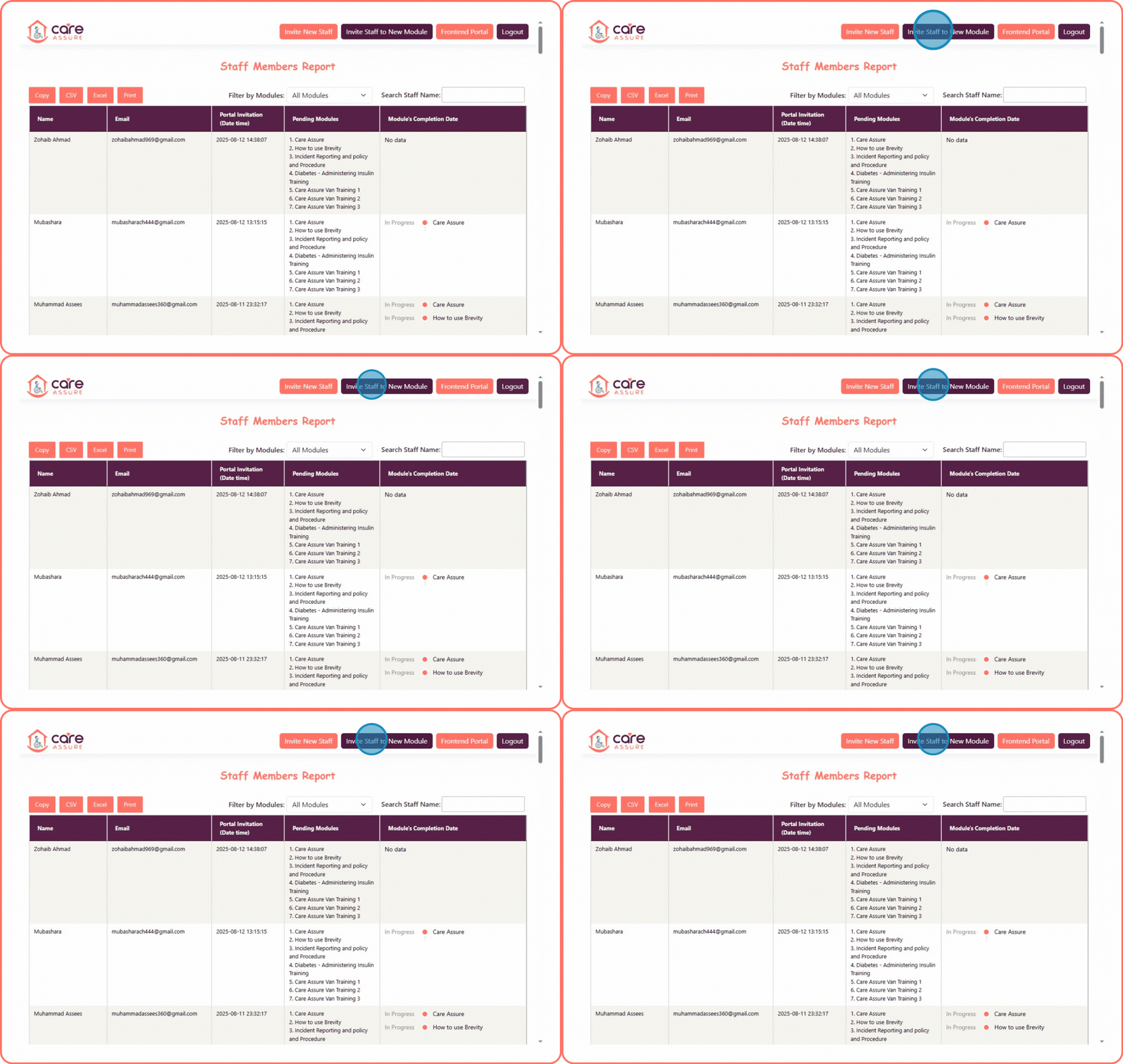
After logging in, you will see the Staff Members Report page
- You can view different buttons and all modules.

- To assign training, click the Invite Staff to New Module button.
step: 3
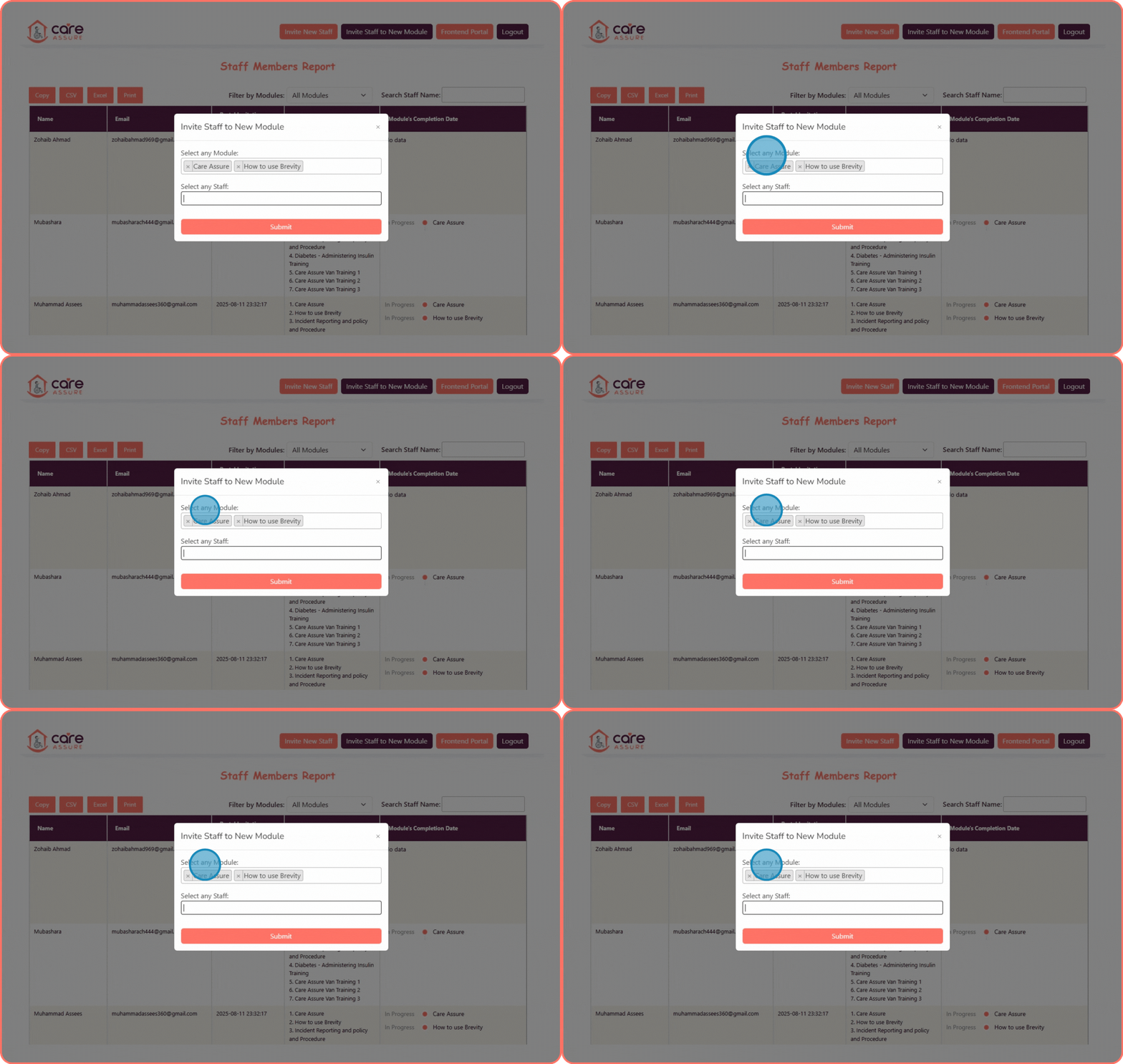
Locate the dropdown labeled “Select any Module.”
Click the dropdown to view the list of available training modules (e.g. Care Assure, Incident Reporting, Diabetes – Administering Insulin Training, and more).
Select the module(s) you wish to assign.
If you select a module by mistake, click the “×” icon next to the module name to remove it from the selection.
step: 4
Locate the dropdown labeled “Select any Staff.”
Click the dropdown to view the list of available staff members.
Select the specific staff member you wish to assign the module to.
Click the "Submit" button to confirm.
step: 5
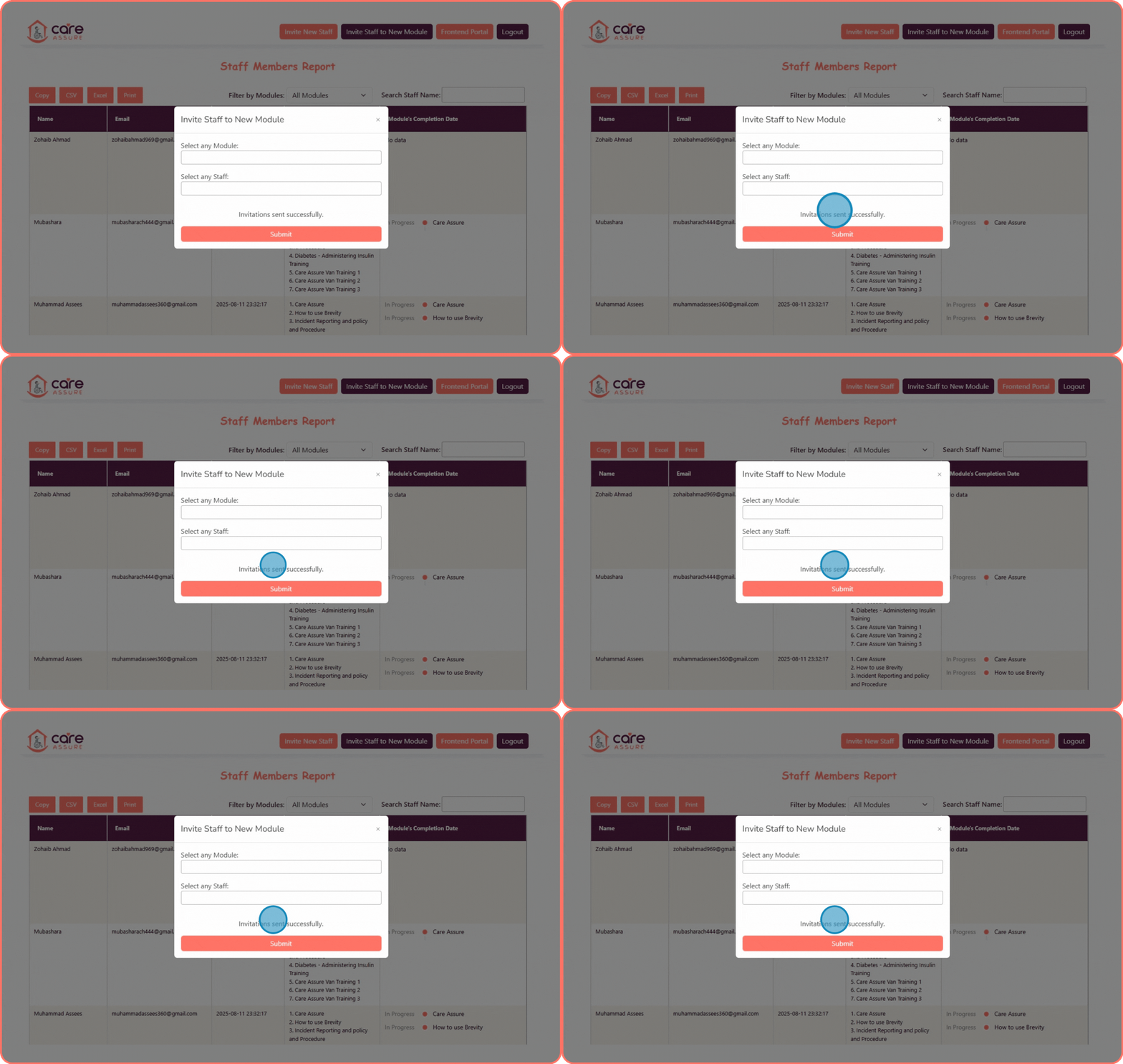
After submission, a message will appear: “Invitations sent successfully.”
This indicates that the invitations have been sent to the selected staff member.