How to invite existing staff member to the training portal
step: 1
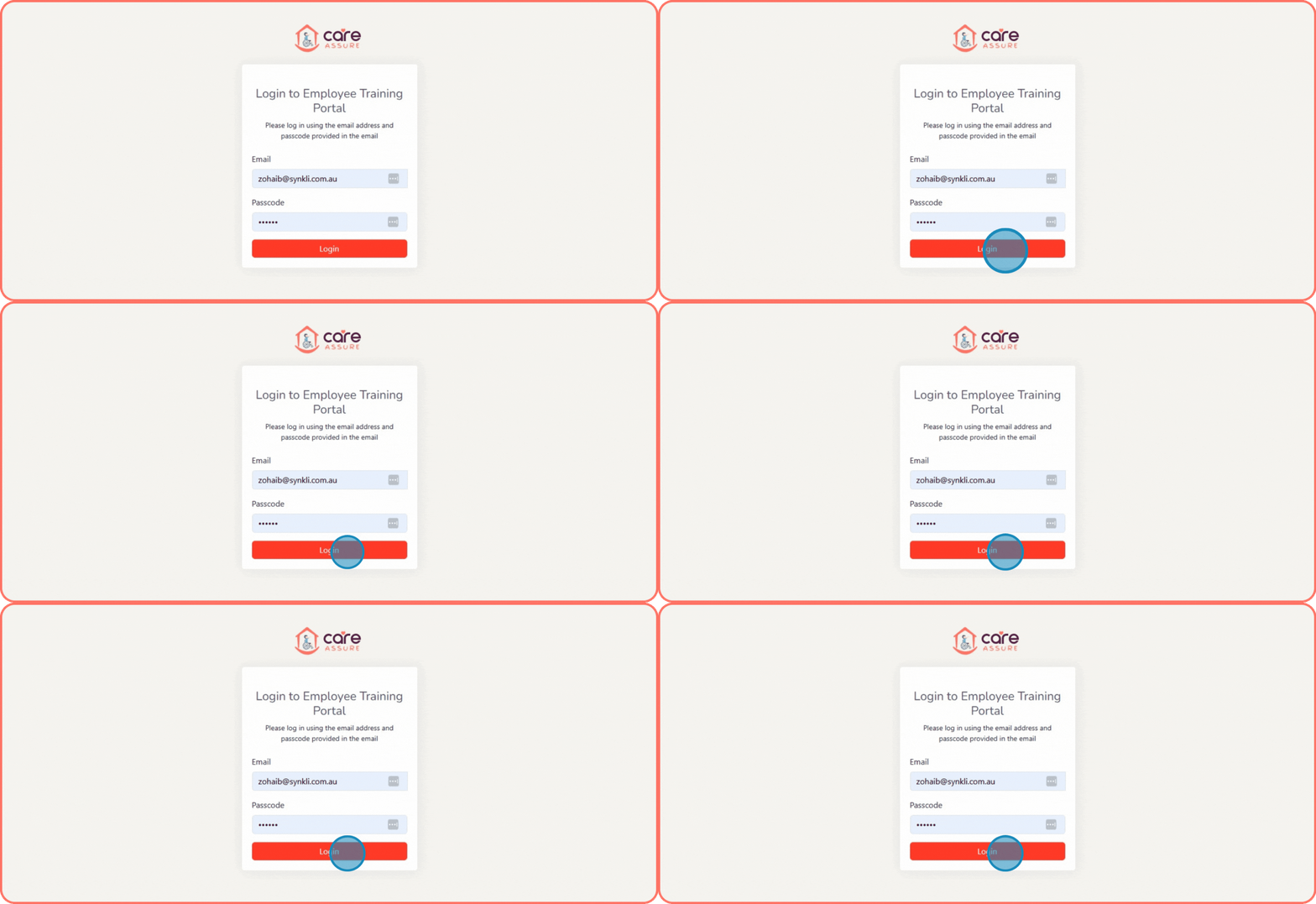
Navigate to https://forms.careassure.com.au/employee-portal/login.php
Enter your admin Email
Enter your Password.
Click the Login button to access the Admin dashboard.
step: 2
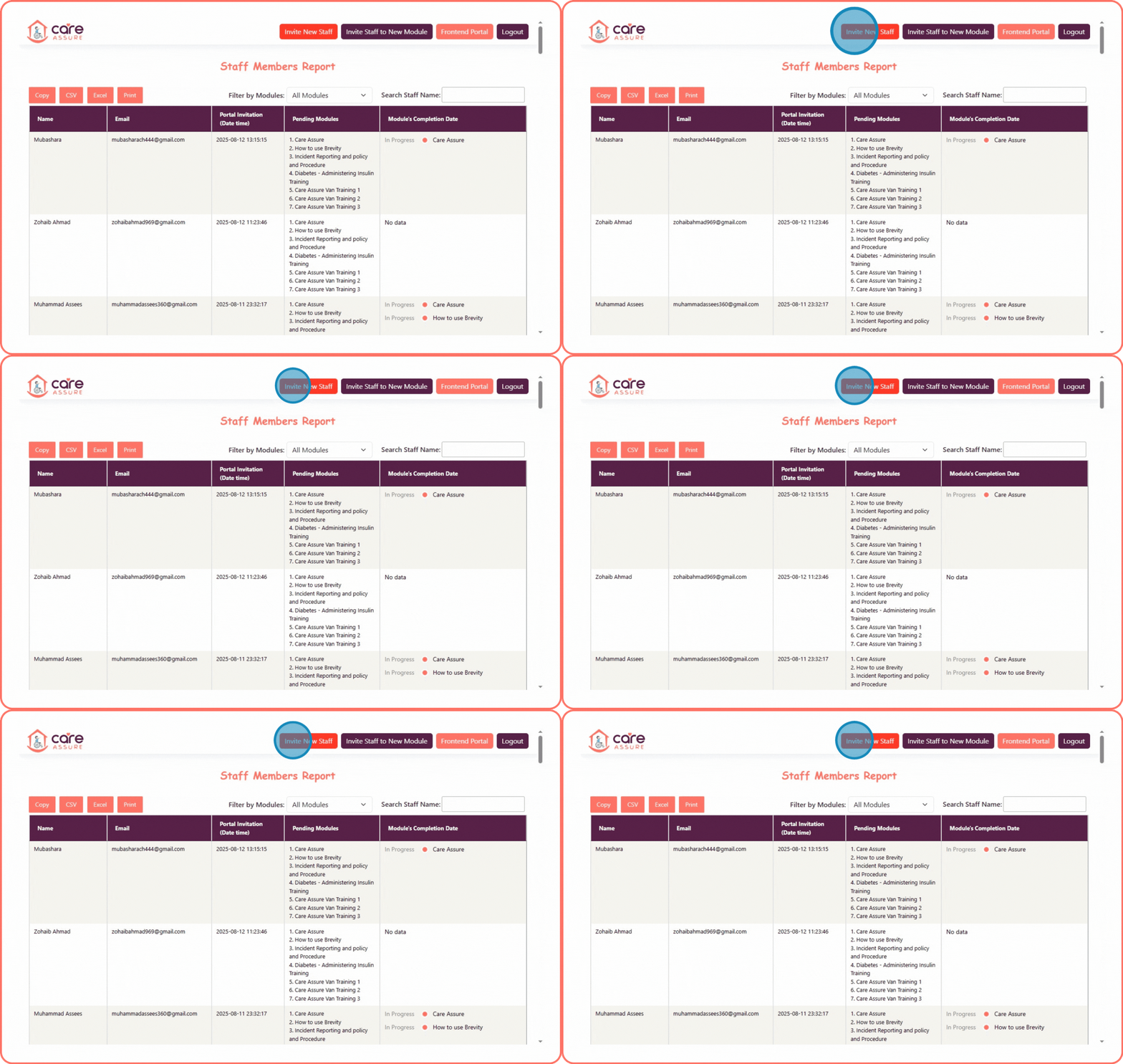
After logging in, you will be redirected to the Staff Members Report page
On this page, you will see various buttons and all available modules.
To invite a new staff member, click the Invite New Staff button.
step: 3
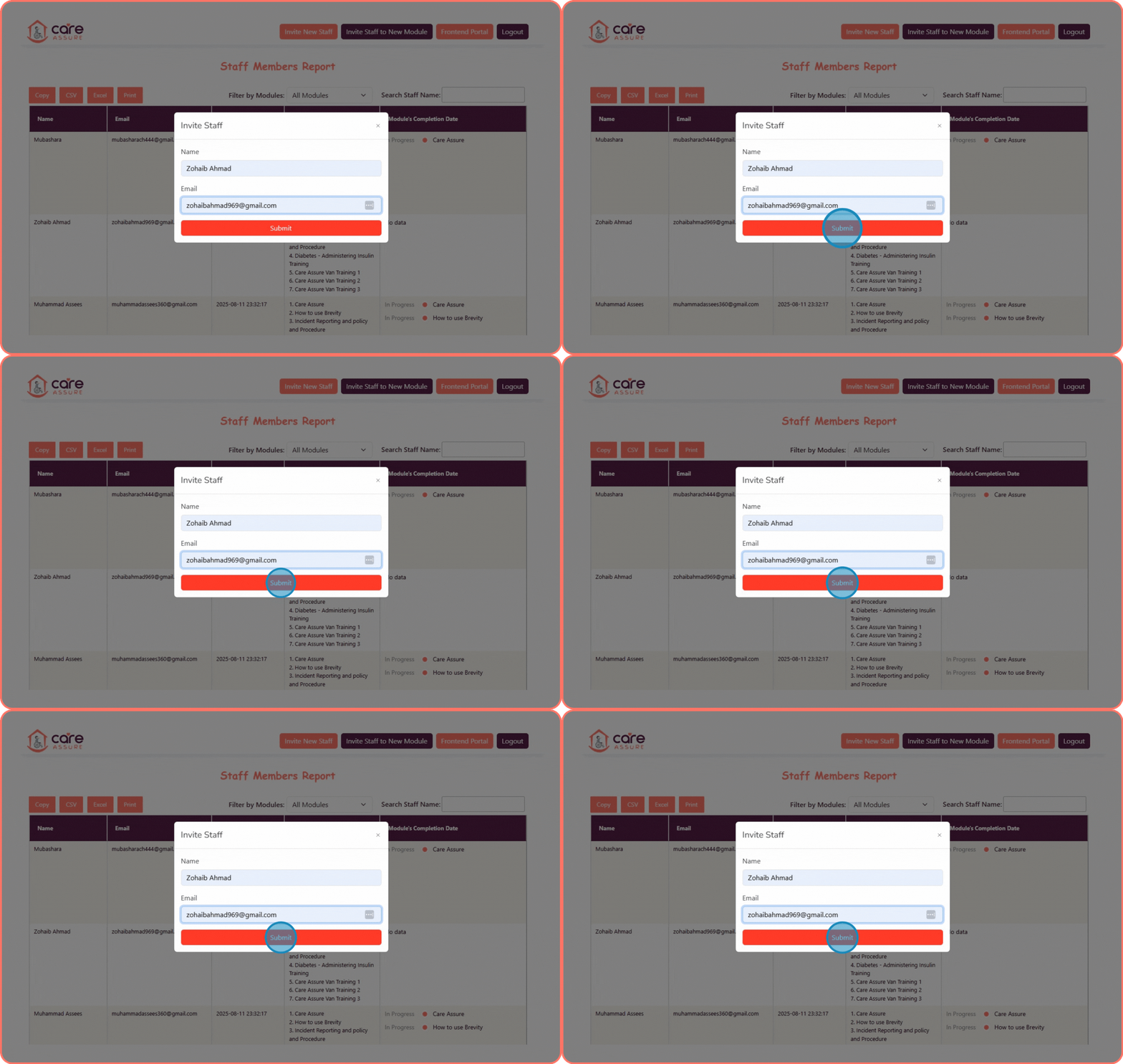
Enter the staff member’s name.
Enter the staff member’s email address.
Click the Submit button to send the invitation.
step: 4
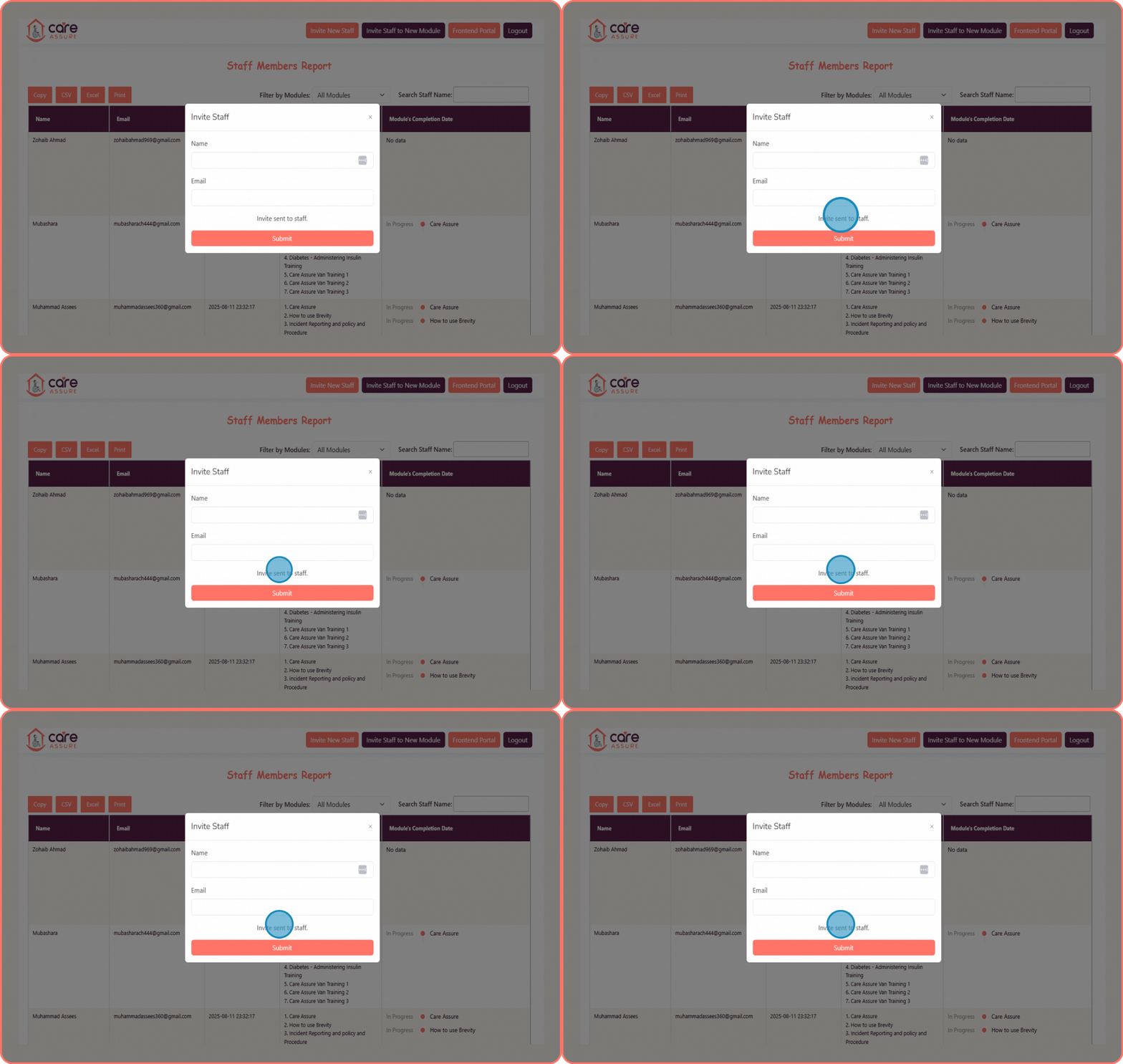
The invitation to access the Training Portal will be sent to the staff member’s email address.
A confirmation message will appear: “Invite sent to staff.”