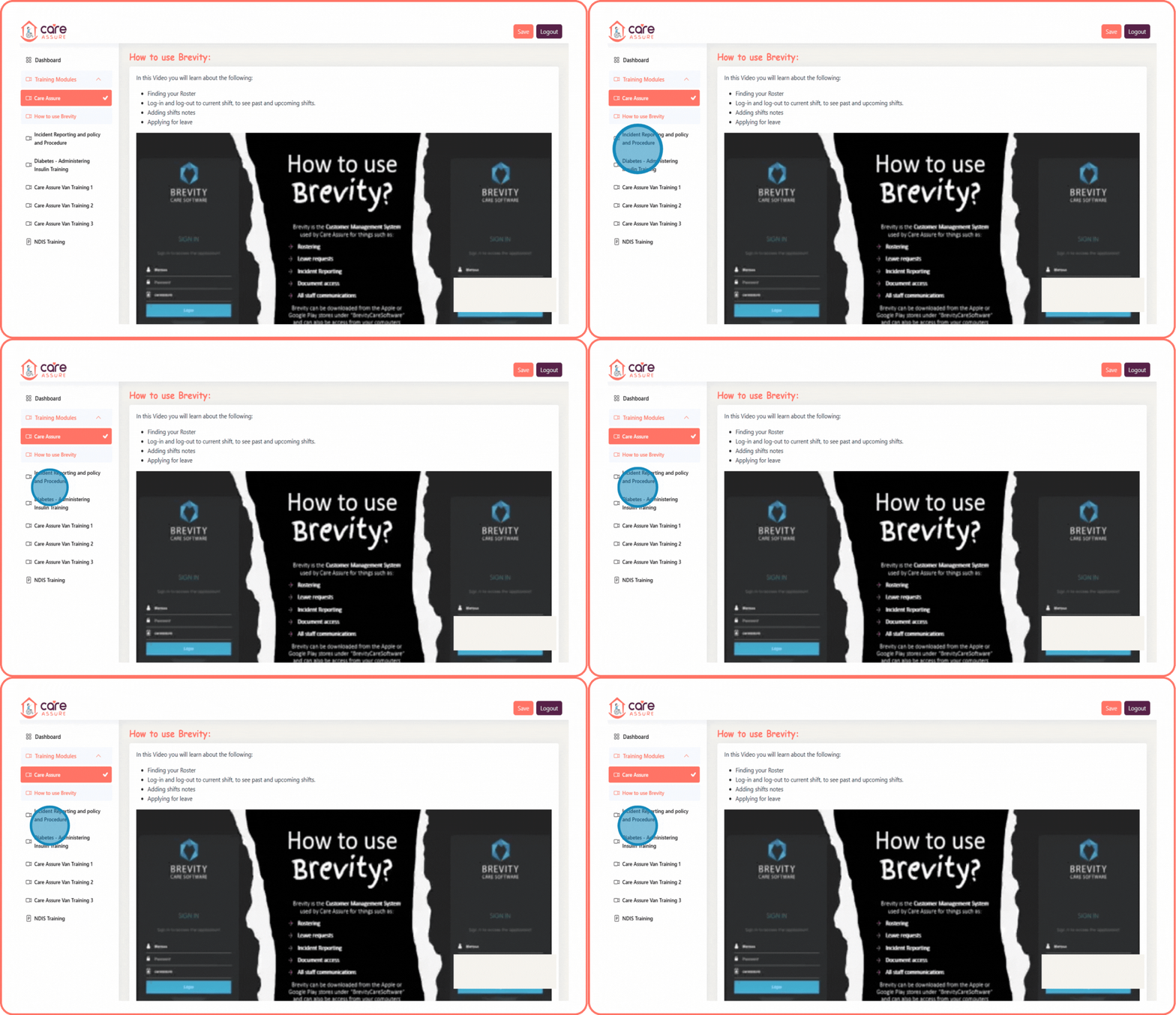
How does a staff member completes a training module
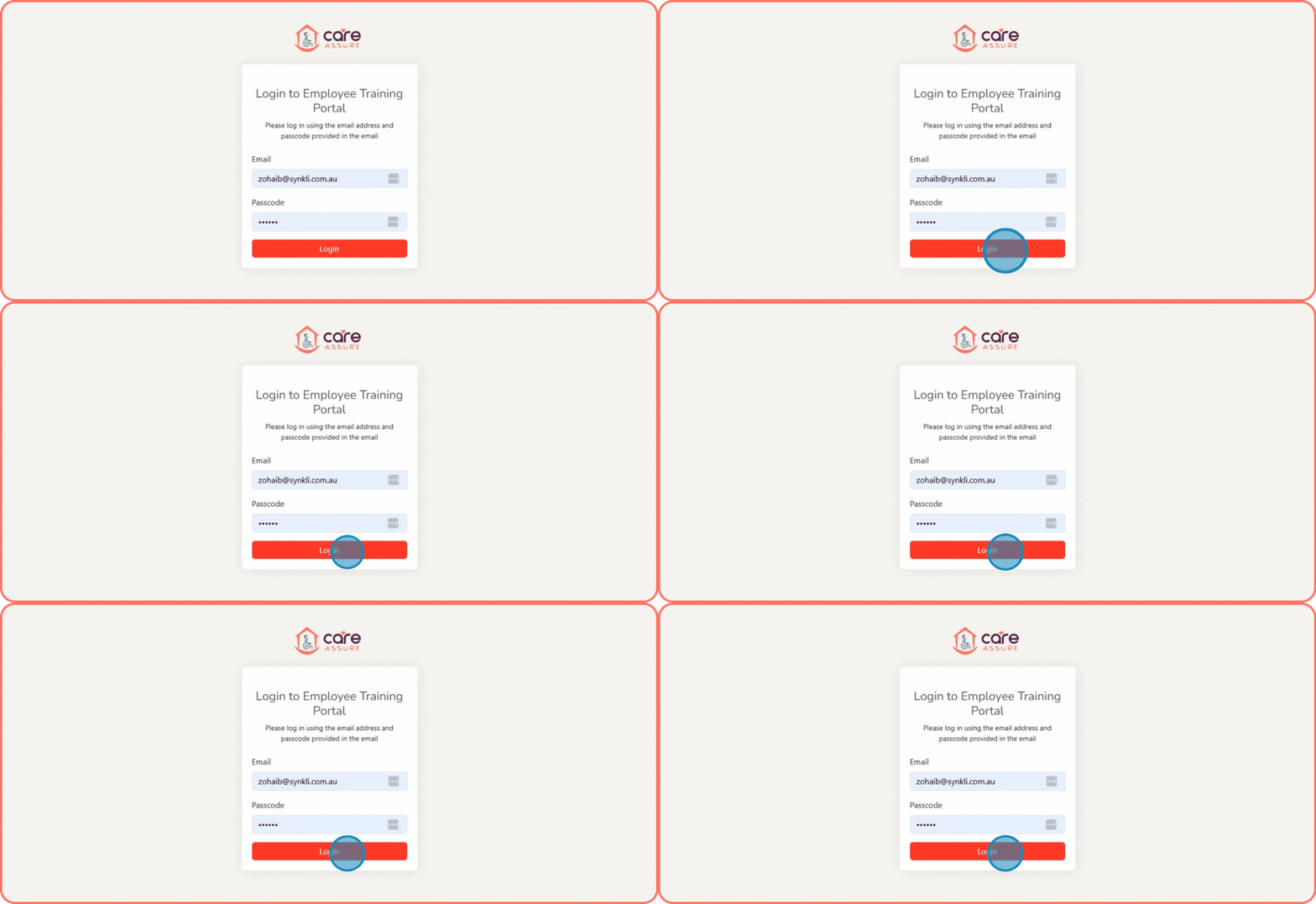
step: 1
Navigate to https://forms.careassure.com.au/employee-portal/login.php
Enter your admin Email
Enter your Password.
Click the Login button to access the Admin dashboard.
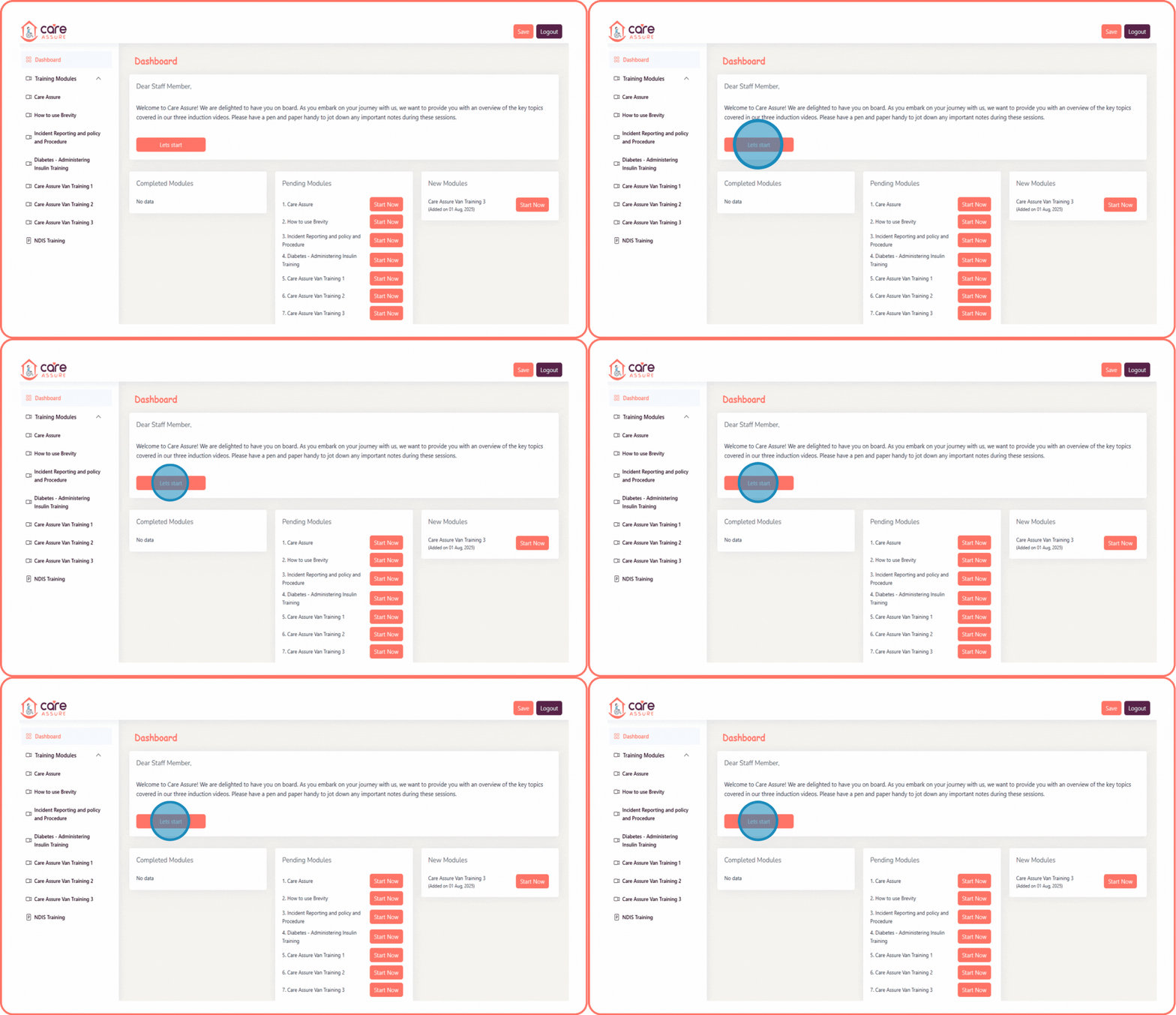
step: 2
After login you can see the Employee Dashboard
Where you can See Training Modules
Click "Lets start" button
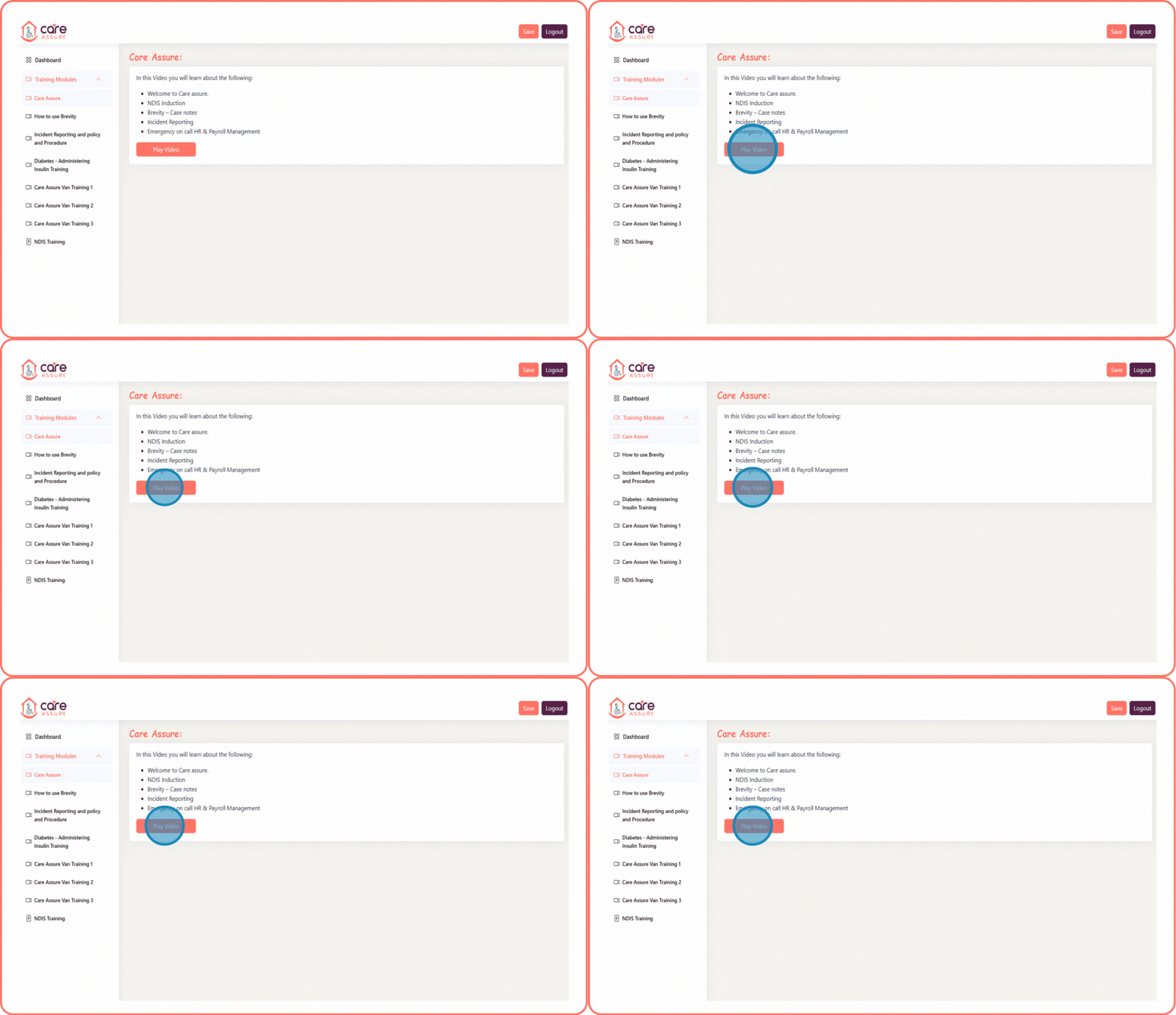
step: 3
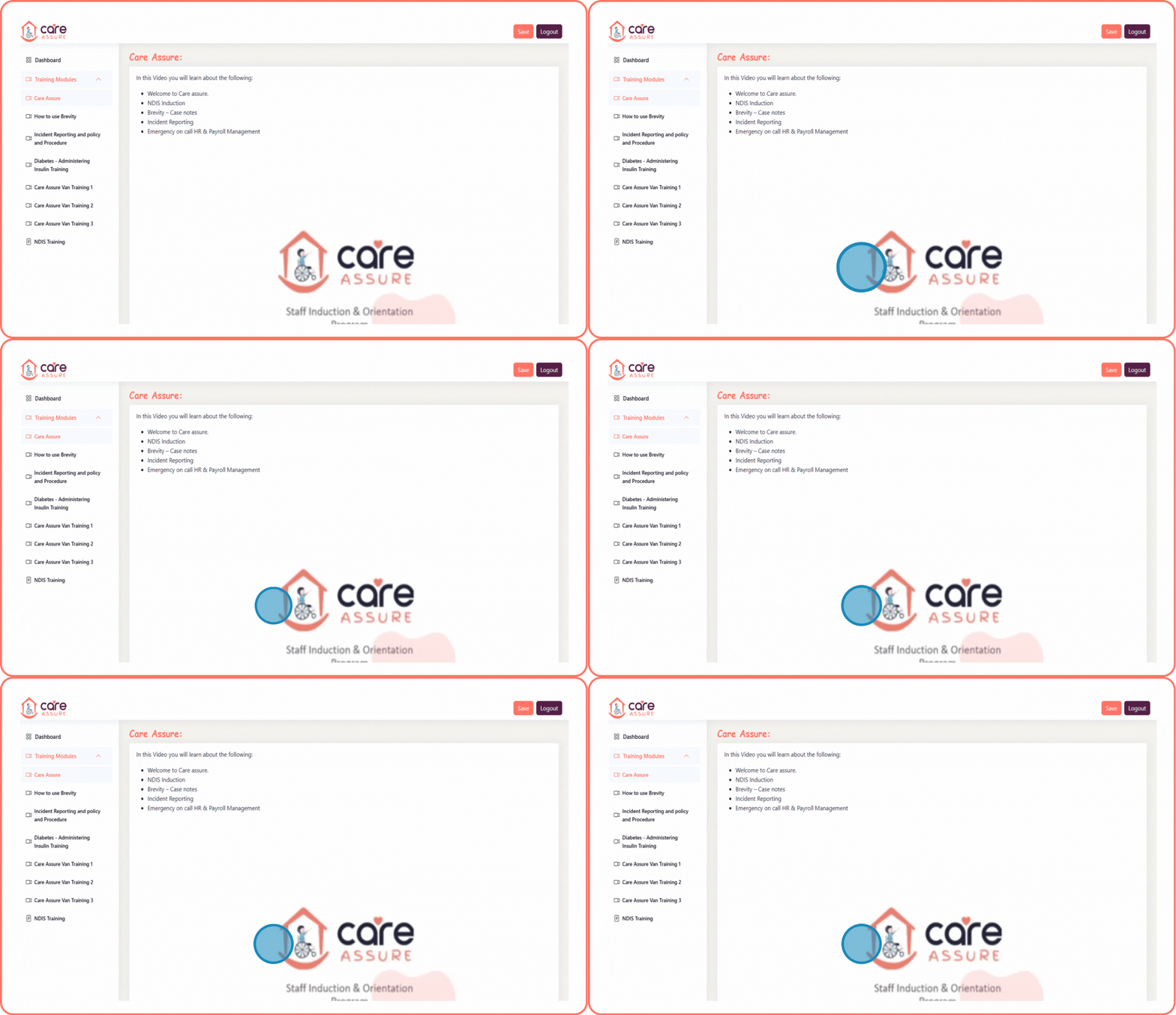
Click on any Module, e.g., Care Assure, then click "Play Video".
step: 4
Watch the training video.
step: 5
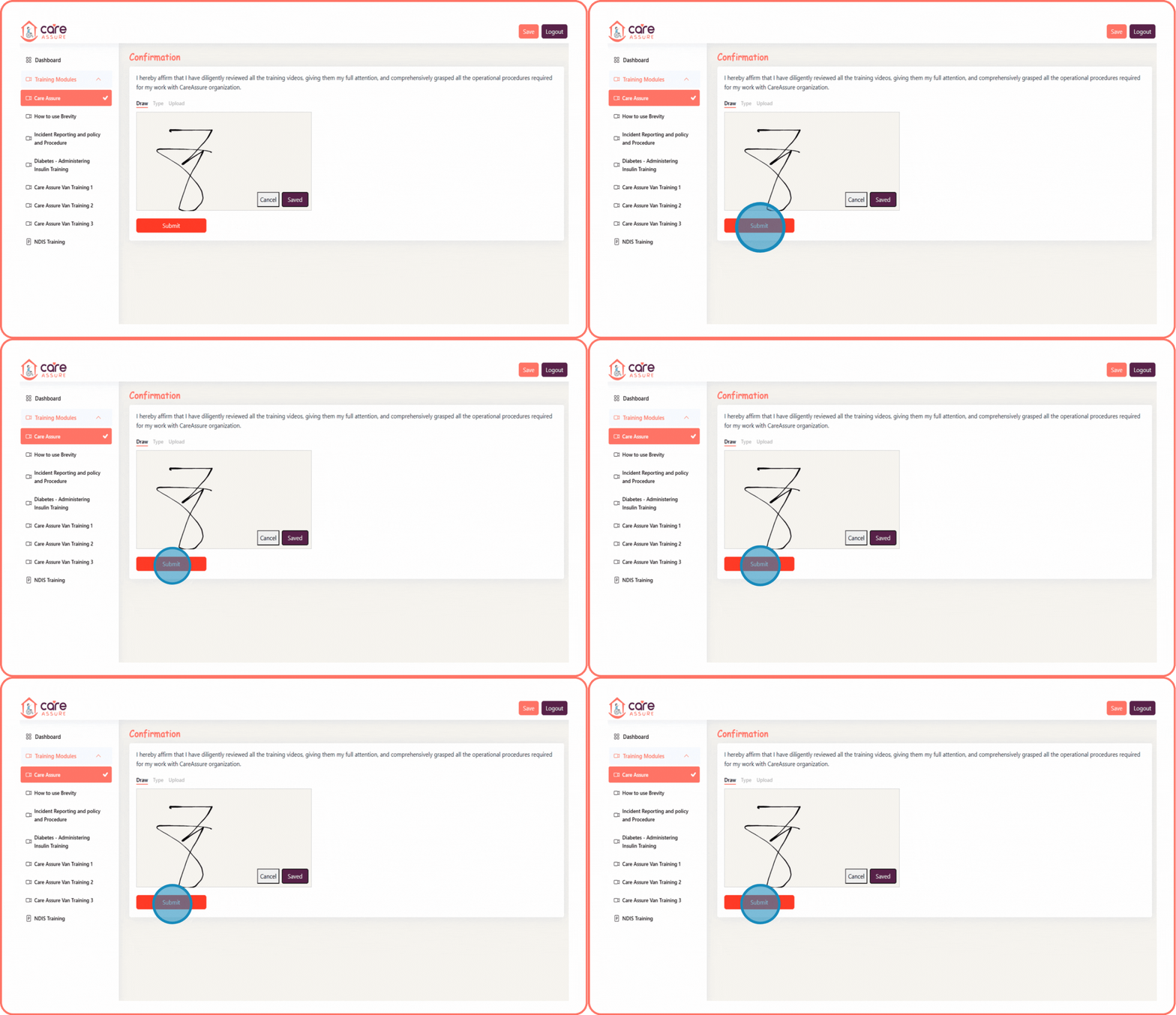
After completing the training video, an acknowledgement form will appear.
Add your signature and click the "Submit" button to confirm completion.
step: 6
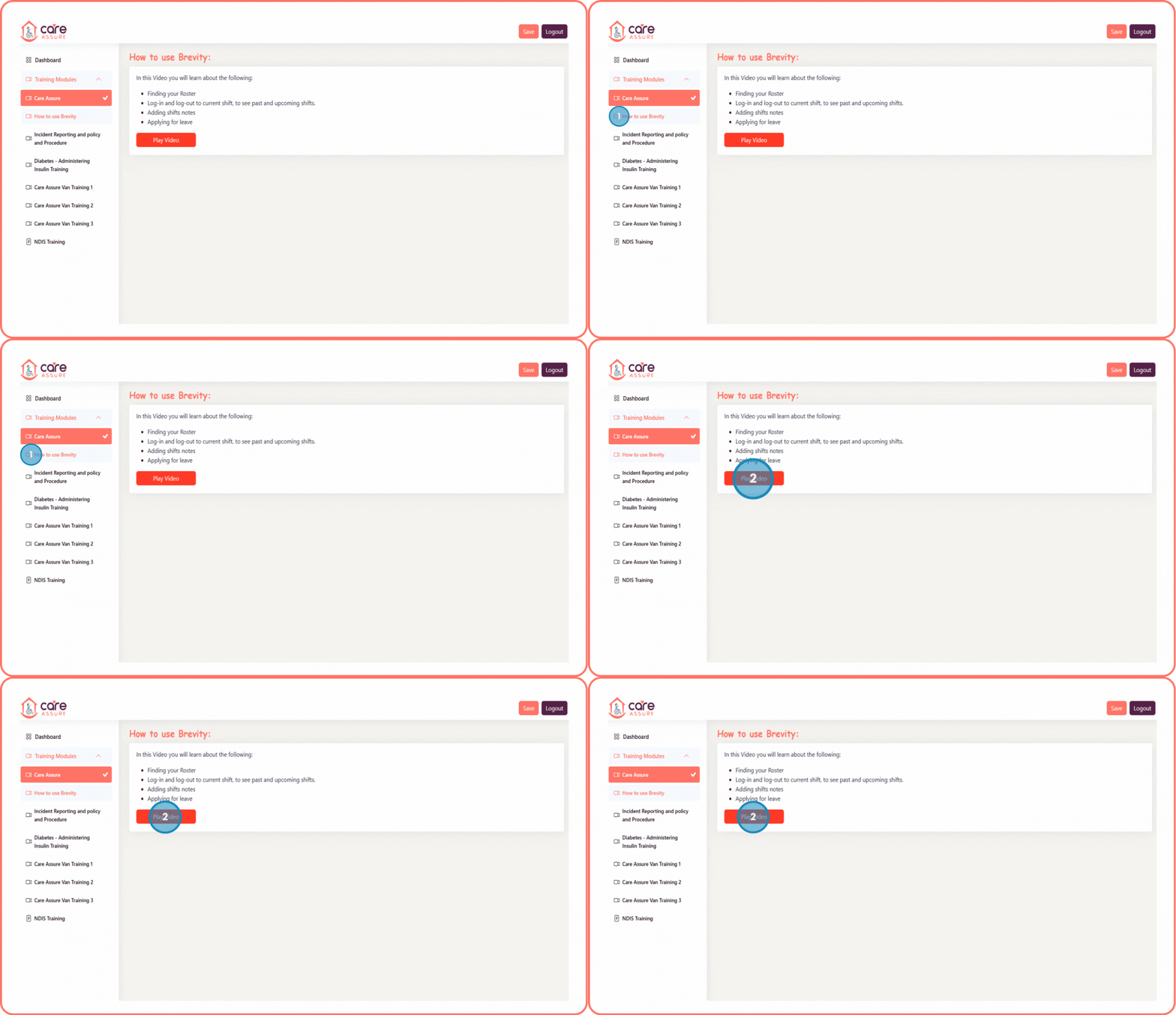
You will now see next training video. Click "Play video" button.
step: 7
Watch the training video and continue.